An external 4G LTE antenna pays off in two situations: when the radio sits inside a metal or RF-hostile enclosure, and when the device is far from, or shadowed by, the cell tower. In both cases the specs that actually decide the link are band coverage, cable loss and placement — not the headline dBi gain. A 3 dBi omni mounted in the clear on a short cable will beat a 9 dBi antenna parked on a metal shelf behind a wall, every time.
This guide walks through the LTE bands an external antenna has to cover, the dB math behind the external-versus-internal decision, why the gain figure lies, a worked cable-loss example you can run in our link-budget calculator, and how to pick between fiberglass omnidirectional, whip and magnetic-mount form factors. It’s the 4G slice of the IoT antenna buyer’s guide — and the sibling of our 433 MHz antenna guide.
The 4G bands an external antenna has to cover
Every LTE deployment uses two frequency windows, and an external antenna has to be wideband to work across carriers and regions. The low window, 703–960 MHz, carries the coverage bands — B5, B8, B12/B13, B20, B28 — the bands that reach into buildings and across rural terrain, and where NB-IoT and LTE Cat-M1 devices mostly live. The mid/high window, 1710–2690 MHz, carries the capacity bands — B1, B2/B25, B3, B4, B7, B38/B40/B41 — the ones urban sites and fast data rely on.
| Band window | Typical LTE bands | What it’s for |
|---|---|---|
| 703–960 MHz | B5 · B8 · B12/B13 · B20 · B28 | Coverage, building penetration, NB-IoT / Cat-M1 |
| 1710–2690 MHz | B1 · B2/B25 · B3 · B4 · B7 · B38/B40/B41 | Capacity, speed, urban density |
A single antenna can cover both windows — the LGW-703-2690-BLG02 fiberglass omni spans 703–960 and 1710–2690 MHz at ≤2.5 VSWR — but don’t assume every “4G antenna” does. Check the datasheet’s band edges and the VSWR across the whole window, not just the band label. If your device will roam between carriers or regions, the low band matters most: a 700–800 MHz mismatch costs coverage where signals are already weakest.
External vs internal: when the upgrade actually pays
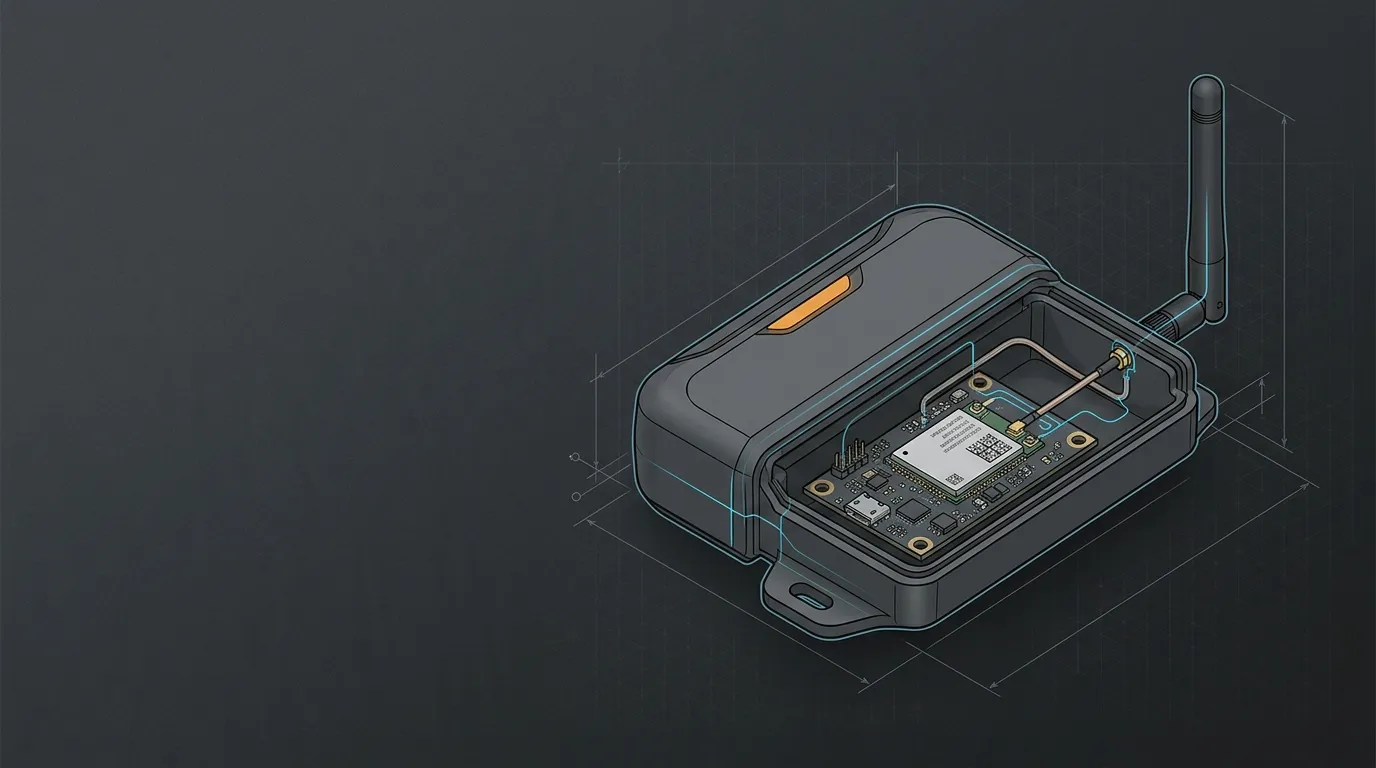
Internal antennas are tuned to the device around them, and that’s their weakness. A PCB or ceramic element tuned for a plastic handheld can lose 10–20 dB of effective performance once the same radio is buried in a metal cabinet, behind a battery, or next to a heatsink — the metal detunes the element and absorbs the radiation.
| Loss | Remaining power | What it sounds like |
|---|---|---|
| 3 dB | 50% | A solid but noticeable drop |
| 6 dB | 25% | Signal strength halves twice |
| 10 dB | 10% | The difference between full bars and no service indoors |
Moving the antenna outside the enclosure — on a roof, mast, cabinet face or vehicle roof — recovers most of that loss, because the element finally radiates into free space instead of into metal. The rule of thumb: if the device lives inside a metal enclosure or a vehicle, or the signal at the site is marginal, an external antenna is the highest-leverage change you can make. If the device is a plastic handheld with a properly tuned internal antenna, external usually buys little.
One real-world trap: 4G routers that use 2×2 MIMO have two antenna ports, and swapping only one external antenna leaves the second internal element to carry half the data path. For a true upgrade, replace both, and space them at least half a wavelength at the lowest band — roughly 21 cm at 700 MHz — so the two paths stay uncorrelated.
Why the dBi number is not the whole story
Gain concentrates the radiation pattern; it does not add power. A 3 dBi omnidirectional antenna radiates a 360° horizontal pattern with a vertical beam of about 35°, which suits a gateway on a mast. Push gain to 5–9 dBi and the vertical beam narrows to a disc — fine for a fixed mast, wrong for a device that moves or tilts.
The gain figure also assumes the antenna is matched and radiating. A “9 dBi” antenna with a poor match at your operating band, or sitting against a metal surface, can deliver less than a well-placed 2 dBi element. Check the VSWR at the band edges — a ≤2.5 figure reflects about 18% of the power back into the radio; ≤1.5 reflects under 4% — and remember the number only counts when the antenna is in the clear.
Cable loss is the silent killer
The antenna is at the end of a cable, and the cable is often the biggest loss in the system. At 4G frequencies the loss climbs fast with length and with how thin the coax is.
| Cable | Approx. loss @ 700 MHz | Approx. loss @ 2.6 GHz |
|---|---|---|
| RG174 (thin device pigtails) | ~0.6 dB/m | ~1.2 dB/m |
| RG58A/U (common 3 m cables) | ~0.35 dB/m | ~0.6 dB/m |
| LMR-400 (outdoor runs) | ~0.1 dB/m | ~0.2 dB/m |
Figures are typical — verify against the cable manufacturer’s datasheet.
Here’s the worked example that settles most arguments. The LGW-703-2690-BLG02 is a 3 dBi antenna; a 5 m run of RG174 at 2.6 GHz costs about 5 × 1.2 = 6 dB. The cable eats twice the antenna’s gain, leaving the radio worse off than with a 20 cm pigtail. Extend to 10 m and the loss is 12 dB — roughly the difference between a usable connection and none. Rule: keep thin coax under ~2 m, step up to RG58A/U or LMR-400 for longer runs, and put the antenna close to the radio. Run your own numbers in the link-budget calculator. The physics of cable and connector matching are the same across bands — see our guide to antenna cables and connectors for the loss-per-metre detail.
Fiberglass omni vs whip vs magnetic: choosing the form factor
With bands and cable sorted, the form factor is decided by where the antenna sits: fixed outdoor, inside or on a cabinet, or on a vehicle.
| Scenario | Form factor | What to look for | Example |
|---|---|---|---|
| Fixed outdoor mast/roof, always-on gateway | Fiberglass omnidirectional | Weatherproof sealed radome, DC grounding, N connector, wind rating | LGW-703-2690-BLG02 (3 dBi, 703–960 / 1710–2690 MHz, 60 m/s wind) |
| Inside or on a cabinet, device-integrated | Whip | Short pigtail, IPEX or SMA, IP rating | LGW-4G-21JG (2 dBi, IPEX gen-1, IP67) |
| Vehicle or temporary, tool-free | Magnetic mount | Strong magnet, long pre-terminated cable, wideband | LGW-5G-JBXP01 (2 dBi, 824–5800 MHz, 3 m cable) |
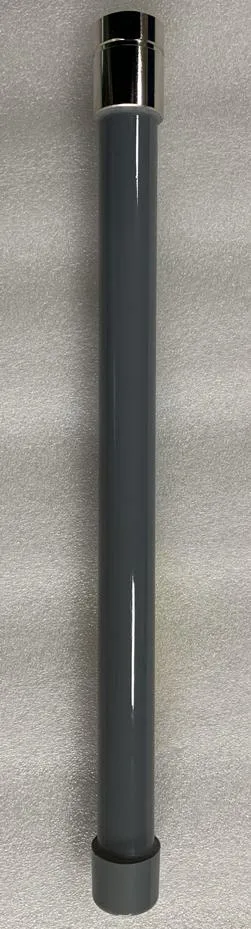
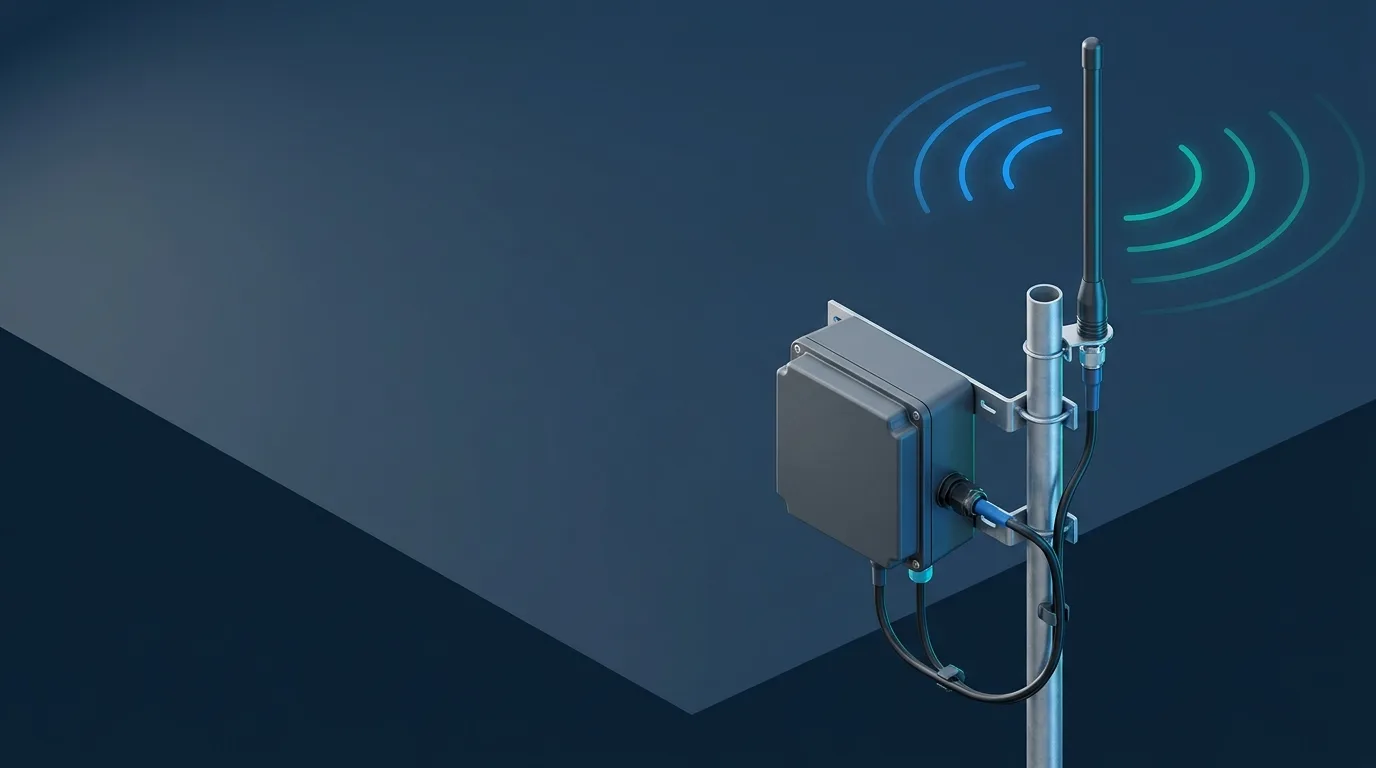
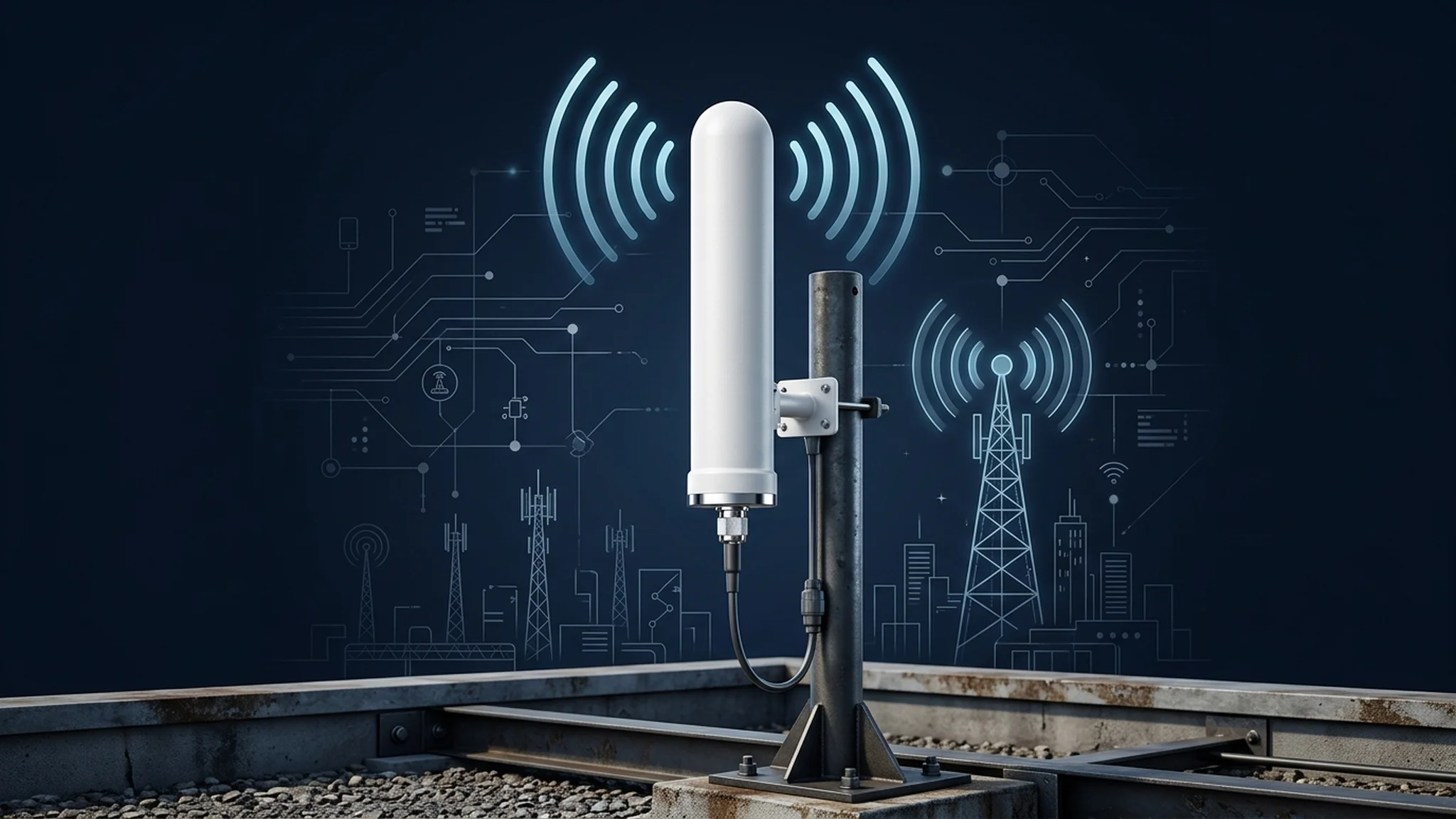
For a fixed outdoor gateway, the fiberglass omni is the default: the sealed radome shrugs off weather, the DC-grounded element gives a lightning path, and the N connector handles the longer outdoor run. That’s the LGW-703-2690-BLG02’s job — 360° horizontal coverage, 3 dBi, 703–960 / 1710–2690 MHz, rated for 60 m/s wind and -40 to +80 °C.
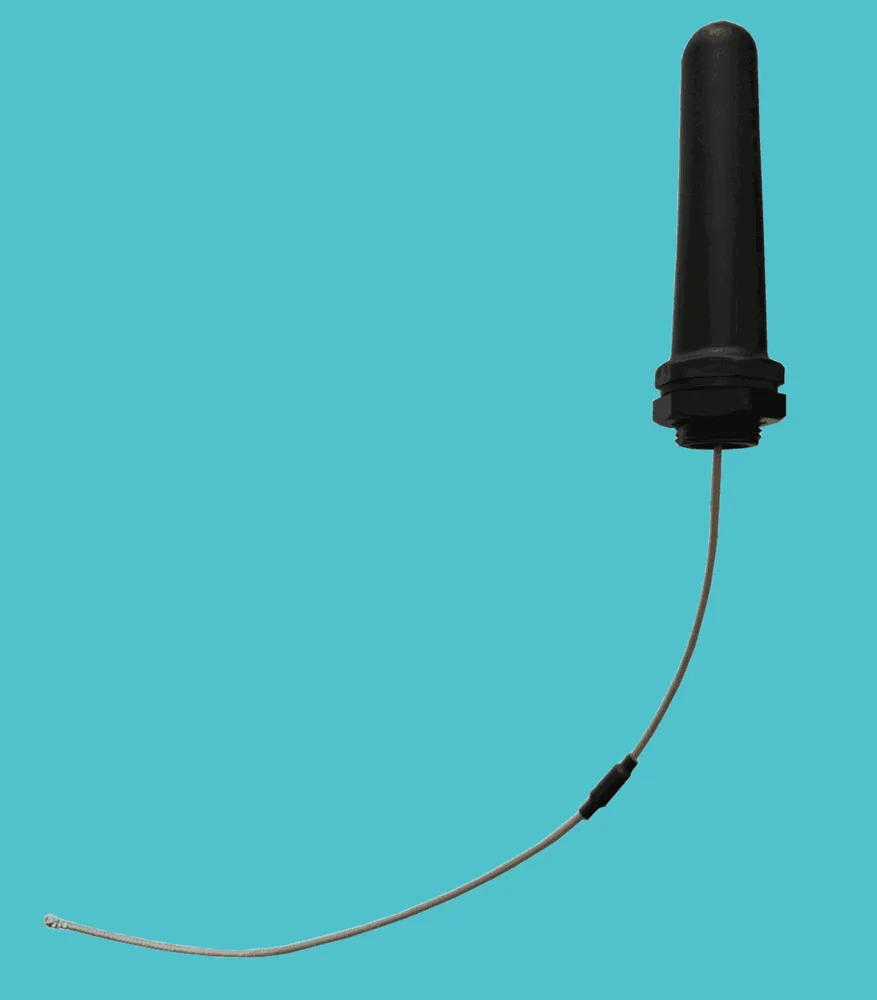
Browse the full fiberglass omnidirectional and whip antenna ranges — or send GNSource Engineering your bands, cable length and mounting surface for a spec-matched pick.
Mounting rules that make or break the link
Once the antenna is chosen, placement decides the outcome. Give the antenna clearance: an omni wants to see the horizon, not a wall or a metal gutter — a metre of clearance from large metal surfaces changes the pattern more than a dB of gain. For whip and magnetic-mount antennas, the mounting surface acts as the ground plane; a small ground plane turns the pattern egg-shaped and wastes the lower half. The same ground-plane physics govern vehicle-mounted antennas.
Point the pattern where the tower is. An omni is 360° in azimuth, but its vertical beam must still tilt toward the tower — mount high, keep it vertical, and remember that a beam tilted by a sloped bracket costs range. Seal the cable entry so water can’t follow the coax into the enclosure — an IP67 connector and a drip loop are the cheap insurance that keeps an outdoor install alive for years.
Frequently asked questions
When does an external 4G antenna actually help? When the radio is inside a metal enclosure or vehicle, or the site has weak signal. The external element escapes the metal and radiates into free space, recovering the 10–20 dB that detuning and absorption took away. On a plastic handheld with a tuned internal antenna, the gain is usually small.
Does a higher dBi 4G antenna always get better reception? No. Higher gain narrows the vertical beam, so a high-gain omni suits a fixed mast but hurts a moving or tilted device. Placement, cable loss and band match usually move the link more than the dBi number — a well-placed 3 dBi omni beats a mismatched 9 dBi antenna every time.
How long can the cable be between a 4G antenna and a router? It depends on the cable. At 2.6 GHz, RG174 loses roughly 1.2 dB per metre, RG58A/U about 0.6 dB/m, and LMR-400 about 0.2 dB/m. A 3 dBi antenna over 5 m of RG174 loses more to cable than it gains — keep thin coax under ~2 m or step up to a lower-loss cable.
Do I need two antennas for 4G? Many 4G routers and gateways use 2×2 MIMO, so yes — swap both antenna ports and space the two elements at least half a wavelength at the lowest band (about 21 cm at 700 MHz) so the two signal paths stay independent.
Fiberglass omni or whip for my gateway? Fixed outdoor gateway on a roof or mast: fiberglass omnidirectional — weatherproof, DC-grounded, N connector. Gateway or device inside a cabinet: a short whip with IPEX or SMA. Vehicle or temporary deployment: magnetic mount.
This guide is part of the IoT & M2M antenna series. For a 4G antenna for your gateway or device, see the fiberglass omnidirectional and whip ranges — or contact GNSource Engineering with your bands, cable length and mounting surface and get a spec-matched recommendation.